Cheap USB-C cable? Three specifications to check before you buy
Two USB-C cables with the same connector can differ in charging power, data transfer speed and video support. Before buying, it is worth checking these three specifications rather than relying on looks or price.
Author: Thames Compass editorial teamPublished: 2 min read
Contents
Many people assume that if the plugs are identical, the cables work the same way. In fact, the same connector shape can hide very different capabilities. One cable may be mainly for charging, another for copying files quickly, and a third for connecting an external monitor. Braided sheathing, metal ends or gold-plated contacts may affect durability or appearance, but on their own they will not speed up charging or data transfer.
Charging power
For phones and tablets, a cable rated at 60 W is often enough. Laptops may need a model rated at 100 W, while the most demanding devices can require up to 240 W. At higher ratings, the so-called e-marker matters: this small chip lets devices agree on safe power settings. A "Fast Charging" label on the packaging says little on its own, so it is better to check the stated power rating of the specific model. There is no point paying extra for a 240 W cable if the device being charged cannot use that much power.
Data transfer speed
Fast charging does not mean fast file transfer. A cable rated for 240 W may offer only 480 Mb/s, which is the speed of the USB 2.0 standard. That is sufficient for charging a phone and copying small files. For large video recordings, backups or an external SSD, a cable supporting at least 5 Gb/s is the better choice. USB4 and Thunderbolt standards reach up to 40 Gb/s in suitable configurations. The actual speed, however, also depends on the ports in the computer, phone and connected device, and the fastest cable will not speed up older hardware.
Video support and labelling
If a cable is meant to connect a monitor, make sure it also carries video, because not every USB-C cable can do this. Labels and certificates from USB-IF, the organisation responsible for USB standards, can help. It is still worth checking the specification of the specific model rather than relying on general claims on the packaging.
How to choose
For everyday phone charging, an inexpensive, reliable cable with the right power rating is enough. For a laptop, a 100 W or 240 W model is worth considering, depending on the device's requirements. People who regularly copy large files should focus above all on the data transfer standard. A well-chosen, inexpensive cable can offer the same performance as a much pricier equivalent.
Sources
This article was prepared automatically by AI from the listed sources and published without prior editorial review. Spotted a mistake? Use the “Report an error in this article” button.
Photos
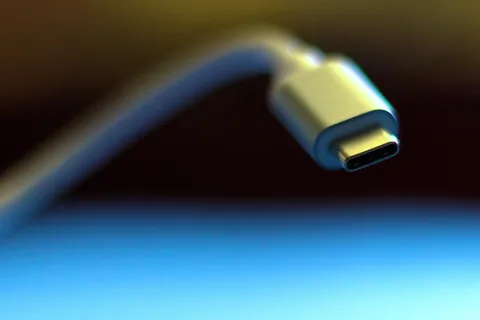
- Cover: „usb, charger, cable, technology, plug”, author: Aqe, licence Pixabay Content License; cropped or resized.
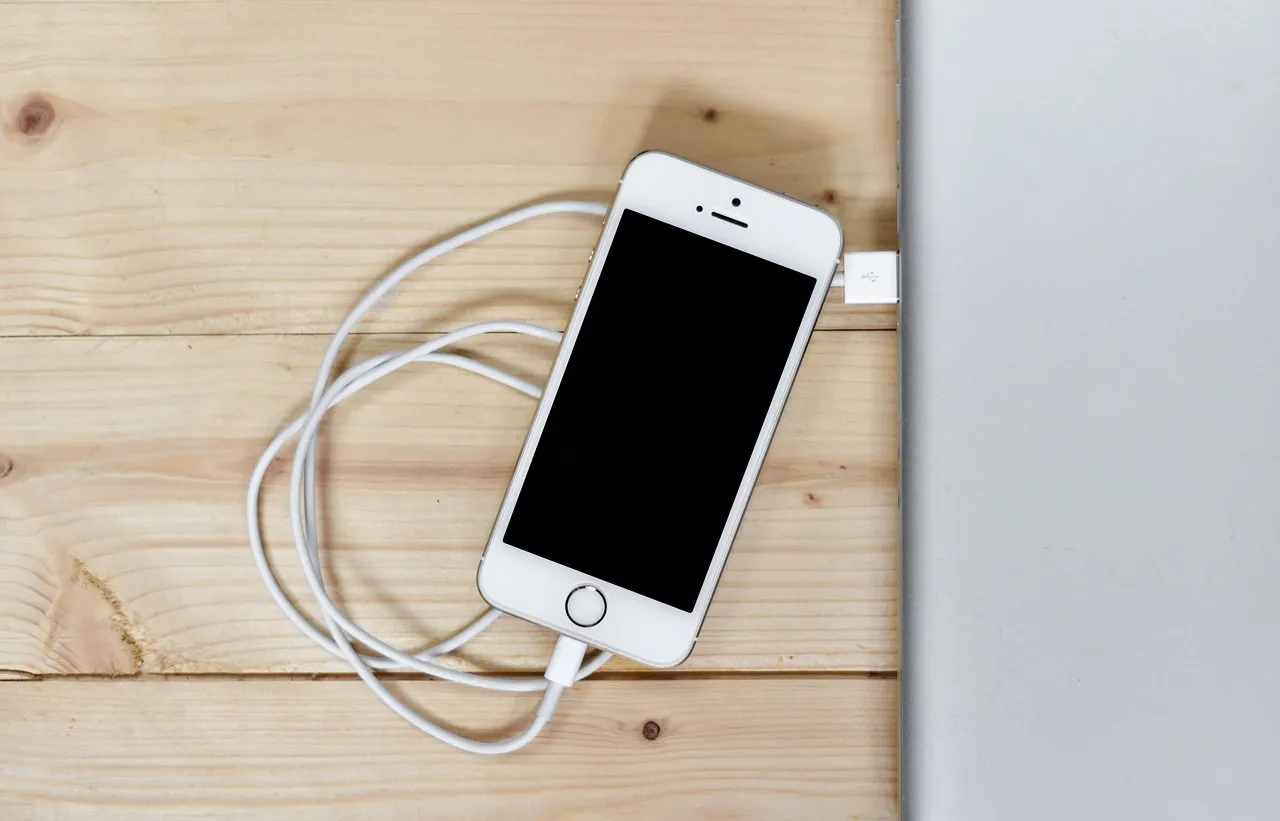
- Photo 1: „phone, smartphone, iphone, charging, mobile”, author: stokpic, licence Pixabay Content License; cropped or resized.
Tags
Share with friends