Phone keyboard changing your words? How to switch off autocorrect
Autocorrect and word suggestions in a phone keyboard can be switched off separately. Menu paths for Samsung, Gboard and iPhone differ depending on the model and system version.
Author: Thames Compass editorial teamPublished: 2 min read

Contents
A phone keyboard can swap the word you have typed for another one, especially names, place names or abbreviations. This happens because the software analyses the text and tries to predict what you want to write. In most cases the cause is the automatic replacement or autocorrect feature, not a fault in the phone.
Autocorrect and suggestions
It helps to separate two features. Autocorrect changes the text by itself, while prediction shows suggestions above the keyboard that you choose yourself. Turning off the first does not have to mean turning off the second.
Samsung
On Galaxy phones using the Samsung Keyboard, the settings are in the general management section, under the keyboard settings. The "Auto replace" option controls word swapping after you press the space bar or enter. It is switched off per language, so if you use several languages, check each one.
You can leave text prediction switched on. Some guides, however, say that turning off prediction also turns off correction suggestions. This may vary between models, so check it on your own phone.
Gboard on Android
With Gboard as your default keyboard, open its settings. If you cannot see the icon, press and hold the comma key and slide your finger to the cog. In the "Text correction" section, switch off automatic word correction. You can keep the suggestion strip turned on.
Gboard remembers the words you type. According to an Antyweb article, incorrect suggestions can be removed in the settings, under "Dictionary", using the "Delete learned words" option. You confirm this with a number shown on screen. In some versions the option has a different name and sits under "Privacy".
If the keyboard lags or registers the wrong key presses, clearing Gboard's cache in the app settings may help. Clearing app data is a further step: it restores the default setup and deletes saved settings and learned words.
iPhone
On iOS, go to Settings, then General, then Keyboard. Switch off "Auto-Correction". Predictive text can stay on, so suggestions will still appear above the keyboard.
If nothing helps
Check that your system and keyboard are up to date, then restart the phone and test typing in a few apps. If the phone enters letters other than the ones you touch, the cause may be hardware, such as a dirty screen or worn screen protector, rather than software.
What this means for you
These settings apply to anyone typing on a phone in English or another language, wherever they live. People who use two languages should check that autocorrect is switched off for both of them.
Sources
This article was prepared automatically by AI from the listed sources and published without prior editorial review. Spotted a mistake? Use the “Report an error in this article” button.
Photos
- Cover: „computer, business, typing, keyboard, laptop”, author: Free-Photos, licence Pixabay Content License; cropped or resized.
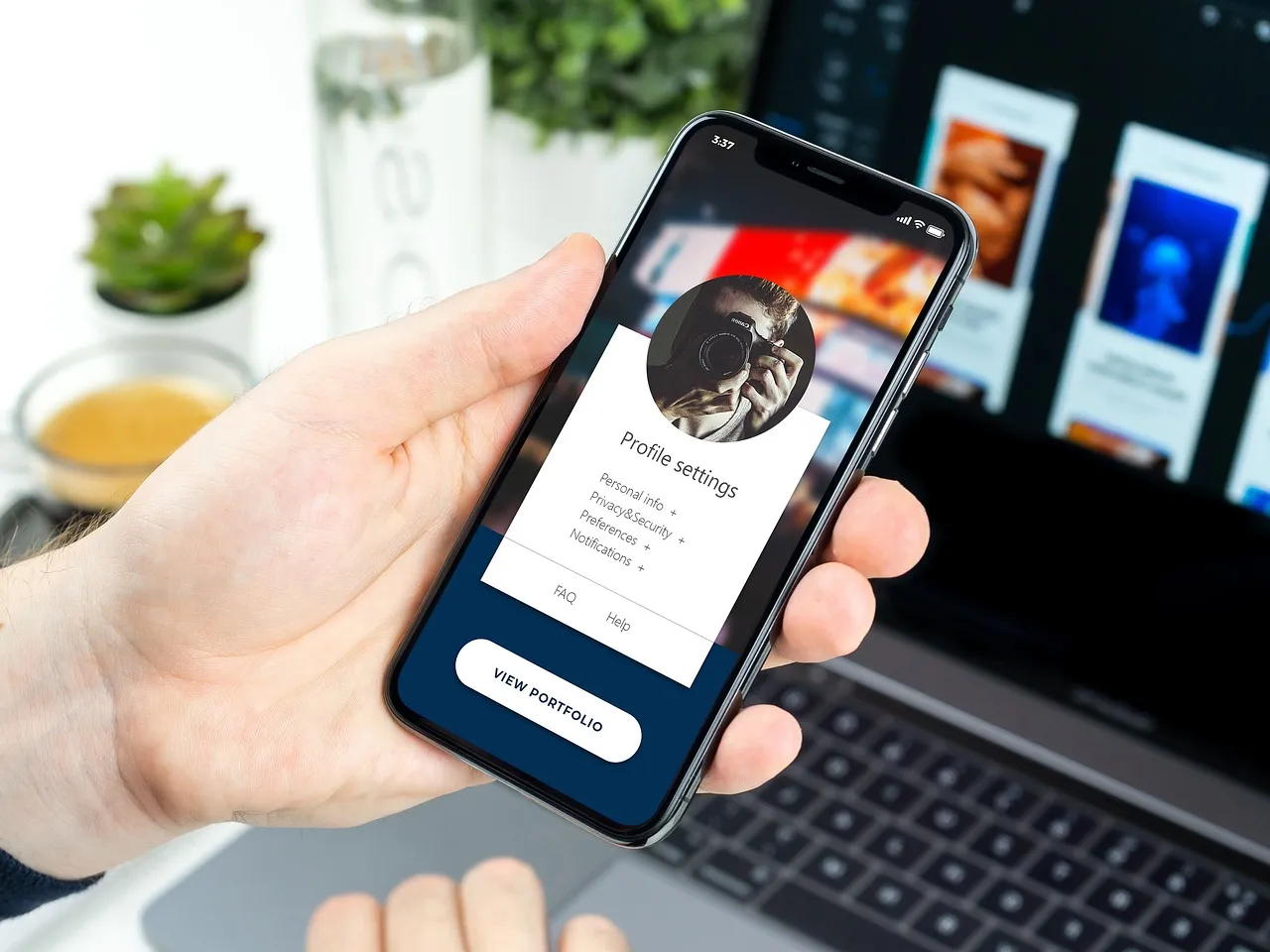
- Photo 1: „iphone x, iphone, x, mobile, technology”, author: BiljaST, licence Pixabay Content License; cropped or resized.
Tags
Share with friends