How to free up 36 GB on an Android phone without deleting photos
An Antyweb writer describes how, by his own account, he freed up 36 GB on an Android phone without deleting a single photo. The key steps are removing unused apps, clearing cache and archiving programmes.
Author: Thames Compass editorial teamPublished: 2 min read
Contents
Phone storage fills up quickly. 4K videos, music and downloaded films take up a lot of space, and most new phones have no microSD slot. An author writing for the Polish tech site Antyweb shows how to win back space without deleting photos.
Start with unused apps
The author suggests going through installed programmes and removing those you no longer use. If you would rather not delete them, for example because you have forgotten the password, you can archive them instead. According to the article, archiving removes an app's executable files, cutting its size by 60–90%, while keeping login details, settings and the home screen icon. You can find the option in Settings, under Apps, by selecting the app. You can also turn on automatic archiving in Google Play.
The Polish tech site Spider's Web reported in April 2023 that Google had added auto-archiving to the Google Play store. According to Google's own claims, it can shrink an app by up to 60 percent.
Cache and unnecessary files
According to the author, apps used every day can build up data that frees more than 5 GB when cleared. Sort your apps by size in Settings, then clear the cache for the ten largest. To find unneeded files, the author recommends the Files by Google app. It groups old APK installers, ZIP archives, duplicate files and outdated screenshots.
Films and backups
Downloaded films and series from streaming apps usually take up the most space. The author suggests deleting downloaded episodes and moving larger files to a USB drive or external SSD. That way the files stay available without an internet connection or a paid cloud plan.
Caveats
The article is a how-to guide based on the author's experience. Results depend on the phone model, Android version and installed apps, and menu names may differ depending on the manufacturer's skin.
Sources
This article was prepared automatically by AI from the listed sources and published without prior editorial review. Spotted a mistake? Use the “Report an error in this article” button.
Photos
- Cover: „pocket, leather goods, purse, notebook, accessories”, author: LUM3N, licence Pixabay Content License; cropped or resized.
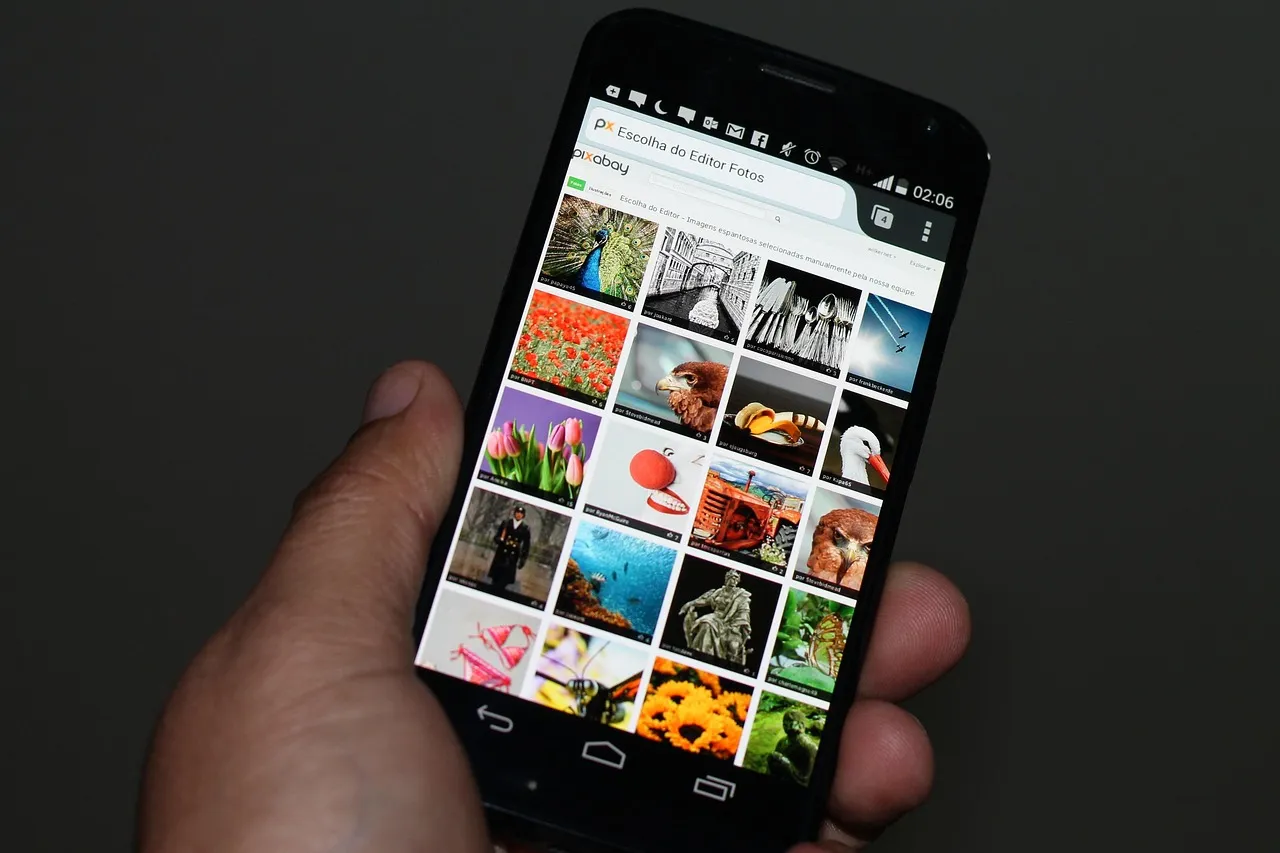
- Photo 1: „telephone, mobility, cell phone, android, motox”, author: wilkernet, licence Pixabay Content License; cropped or resized.
Tags
Share with friends