Income tax in the UK: tax codes, PAYE and Self Assessment
How the tax year works, the 2026/27 thresholds, what your tax code means, when you need to file a Self Assessment return and how to claim back overpaid tax yourself, without a middleman.
Author: AdministratorPublished: 8 min read
Contents
In short
- The tax year runs from 6 April to 5 April. The current one is 2026/27 (6 April 2026 – 5 April 2027).
- Most employees pay tax automatically through PAYE. Your employer deducts it from your pay based on your tax code.
- A Self Assessment (annual tax return) is compulsory for, among others, self-employed people who earned more than £1,000 in the tax year.
- You can claim back overpaid tax yourself, free of charge, through your HMRC account or the app. ‘Tax refund’ companies usually take a commission.
- HMRC doesn't send details of tax refunds by email. A text, email or phone call offering a refund in exchange for your personal or bank details is a scam.
The tax year, Personal Allowance and tax bands
The Personal Allowance is £12,570 (as of October 2026, check the current figure: GOV.UK). For England, Wales and Northern Ireland, the 2026/27 rates are as follows (thresholds and amounts are set every year, so they may be different from April 2027):
- up to £12,570: 0%
- £12,571 – £50,270: 20% (basic rate)
- £50,271 – £125,140: 40% (higher rate)
- over £125,140: 45% (additional rate)
If your income is over £100,000, your Personal Allowance goes down by £1 for every £2 above that threshold and disappears at £125,140.
Wales currently has the same rates as England. Welsh rates are marked by the letter C in front of your tax code. If you live in Wales, HMRC adds it automatically.
Scotland has different bands
People who live in Scotland pay Scottish Income Tax. The 2026/27 rates (source: GOV.UK — Scottish Income Tax):
- £12,571 – £16,537: 19% (starter)
- £16,538 – £29,526: 20% (basic)
- £29,527 – £43,662: 21% (intermediate)
- £43,663 – £75,000: 42% (higher)
- £75,001 – £125,140: 45% (advanced)
- over £125,140: 48% (top)
Dividends and savings interest are taxed in Scotland in the same way as in the rest of the UK. Scottish tax codes start with S.
How to read your tax code
Your employer uses your tax code to work out how much tax to deduct. You'll find it on your payslip, in a letter from HMRC (Tax Code Notice), in your HMRC online account or in the HMRC app. Each job has its own code.
The most common codes, according to GOV.UK:
- 1257L: the standard code for most people with one job. The numbers show your tax-free amount (1257 means £12,570), and ‘L’ means the standard Personal Allowance.
- BR: all income from this job is taxed at 20%. Usually used for a second job or a pension.
- D0 / D1: all income is taxed at 40% / 45%, usually for additional jobs.
- 0T: no tax-free amount. Used when it has already been used up or when your employer doesn't have your details yet.
- K: you have untaxed income that's larger than your tax-free amount. The calculation works differently from usual.
- S / C: Scottish / Welsh rates, for example S1257L, C1257L.
- NT: no tax is taken from this income.
Emergency tax codes
An emergency code ends in W1 (weekly pay), M1 (monthly pay) or X (irregular pay dates). Tax is then worked out as if you earned the same amount in every pay period, which often gives the wrong amount. It usually appears at the start of a new job, or when you start getting company benefits (such as a company car) or receiving your State Pension.
What to do: give your new employer your P45 from your previous job, or fill in a starter checklist. HMRC usually corrects the code within 35 days of you starting work. If it's still wrong, update your details online or contact HMRC.
PAYE, P45 and P60
Under PAYE (Pay As You Earn), your employer deducts tax and National Insurance from every payment. Two documents are worth knowing about:
- You get a P45 when you leave a job. You give it to your new employer.
- Your employer gives you a P60 after the end of the tax year. It summarises your pay and tax, and is useful for things like mortgage applications or tax refunds.
Your HMRC account and app
You set up an HMRC account (personal tax account) online on GOV.UK. The first time you sign in, you may be asked to prove your identity, usually with photo ID. In the account and in the app you can check, among other things:
- your tax code and estimated tax,
- how much tax you've paid over the last 5 years,
- your State Pension and National Insurance number,
- your UTR (if you have one),
- tax refund claims and the status of forms you've sent.
You can also turn on email alerts for changes to your tax code.
Overpaid tax and refunds
You might overpay tax if, for example, you have the wrong tax code, change jobs during the year, stop working part-way through the year or move onto benefits.
- After 5 April, HMRC may send you a P800 letter (tax calculation) or a Simple Assessment, between June and March of the following year. If you file a Self Assessment return, any overpayment is taken into account automatically.
- If your P800 says you're due a refund, you can claim it online (with your P800 reference and National Insurance number), through your HMRC account or app (you need a UK bank account) or by contacting HMRC. An online refund usually arrives within 5 working days. If the letter says you'll get a cheque, you don't need to do anything.
- If you think you've overpaid but haven't had a letter, use the ‘Claim a tax refund’ tool on GOV.UK, which will point you to the right route. Form R38 can also be used to claim back tax on employment income.
- You usually have 4 years from the end of the tax year concerned (sources: Claim a tax refund; for Self Assessment: HMRC manual on overpayment relief).
You don't have to pay anyone to help you. You can name an agent on the R38, but you don't have to.
Who must file a Self Assessment return
According to GOV.UK, you must file a return if, in the last tax year:
- you were self-employed as a sole trader and earned more than £1,000 (before taking off anything you can claim tax relief on),
- you were a partner in a business partnership,
- you had to pay Capital Gains Tax after selling something,
- you had to pay the High Income Child Benefit Charge and it wasn't collected through PAYE,
- or if HMRC asks you to.
You may also need to file one if you have income that wasn't taxed at source, for example from renting out property, tips, interest, dividends or income from abroad. If you have extra income that nobody has taxed at source, use the GOV.UK tools ‘Check if you need to send a Self Assessment tax return’ and ‘Check if you need to tell HMRC about additional income’. The first £1,000 of income from small-scale trading or property may be tax-free (trading/property allowance).
Deadlines for the 2025/26 tax year
The deadlines below apply to the 2025/26 return. The deadlines for the next tax year (2026/27) fall a year later, in 2027 and 2028; you can check them on GOV.UK.
- 5 October 2026: registering, if you're filing a return for the first time. This deadline has passed. If you missed it, register as soon as possible, as you could be fined. HMRC will give you a deadline in a letter, but you still have to pay the tax by 31 January 2027.
- 31 October 2026: paper returns.
- 30 December 2026: online returns, if you want to pay the tax through your tax code (if you owe less than £3,000 and you're on PAYE).
- 31 January 2027: online returns and paying the tax.
- 31 July 2027: the second payment on account.
Payments on account are two instalments of roughly half of the previous year's bill, due on 31 January and 31 July. They don't apply to you if last year's bill was under £1,000 or more than 80% of your tax was paid at source (for example, through PAYE). A late return means a £100 penalty, and after 3 months daily penalties are added (up to £900). After 6 months there's a further 5% of the tax due or £300 (whichever is greater), and after 12 months another 5% or £300. Late payment costs 5% of the unpaid amount at 30 days, 6 months and 12 months, plus interest.
Self-employment and your UTR
To start working as a sole trader, all you need to do is register for Self Assessment (have your National Insurance number ready, if you have one). Registering gives you a UTR (Unique Taxpayer Reference), a 10-digit number. If you register online, it appears in your HMRC account within 72 hours; if you register on paper (SA1), it usually arrives by post after 15 working days (21 if you're abroad). Keep accurate records of your income and expenses from the start. You won't have a UTR if you only pay tax through PAYE.
Making Tax Digital for Income Tax
Making Tax Digital (MTD) is a new way of reporting income for the self-employed and landlords. Confirmed dates from GOV.UK:
- from 6 April 2026: if your income from self-employment and property (turnover before expenses, based on the previous year's return) is over £50,000,
- from 6 April 2027: the threshold is £30,000,
- from April 2028: the threshold is £20,000.
You'll have to keep digital records, send quarterly updates from compatible software and file an annual return. From September 2026, HMRC began signing up people who should be using MTD, and signing up yourself lets you check your details. In 2026/27 there are no penalty points for late quarterly updates. There are exemptions, for example for people who are digitally excluded. The standard deadlines for quarterly updates are 7 August, 7 November, 7 February and 7 May (source: GOV.UK, Send quarterly updates). You file your annual return by 31 January.
Scams and ‘tax refund’ companies
- HMRC doesn't send details of tax refunds by email and never offers refunds through social media. A text, email or phone call offering a refund in exchange for your personal or bank details is a scam. HMRC tells you about a refund by letter or through your wages.
- Companies offering to ‘reclaim your tax’ usually charge a commission and have nothing to do with HMRC.
- Report fake messages: forward emails to phishing@hmrc.gov.uk, texts to 60599, and report phone calls using the form on GOV.UK. If you've lost money, tell your bank and Report Fraud.
Where to get help
This guide is general information and is not tax advice. Check amounts and thresholds on GOV.UK.
Sources
Information verified:
- Income Tax rates and Personal Allowances
- Scottish Income Tax
- Income Tax in Wales
- Tax codes: what your tax code means
- Emergency tax codes
- Tax overpayments and underpayments: if you're due a refund
- Self Assessment tax returns: deadlines
- Self Assessment: who must send a tax return
- Making Tax Digital for Income Tax: sign up
- Claim a tax refund
- Claim an Income Tax refund by post (form R38)
- Check if you need to tell HMRC about additional income
- Register for Self Assessment: self-employed
- Making Tax Digital for Income Tax: send quarterly updates
- Your personal tax account
- PAYE forms P45, P60 and P11D
- Overpayment relief: time limits for making a claim
- Sole traders and landlords earning more than £30,000 urged to act now
- Phishing emails, suspicious phone calls and texts: examples
Photos
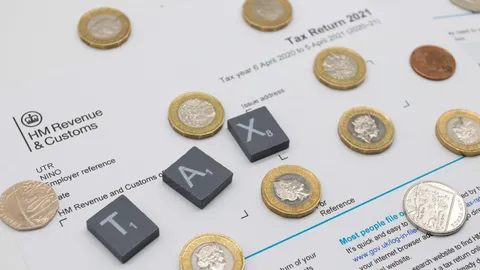
- Cover: „Stock image of an Self assessment tax return form for personal tax”, author: DPP Business and Tax, licence CC BY 2.0; cropped or resized.
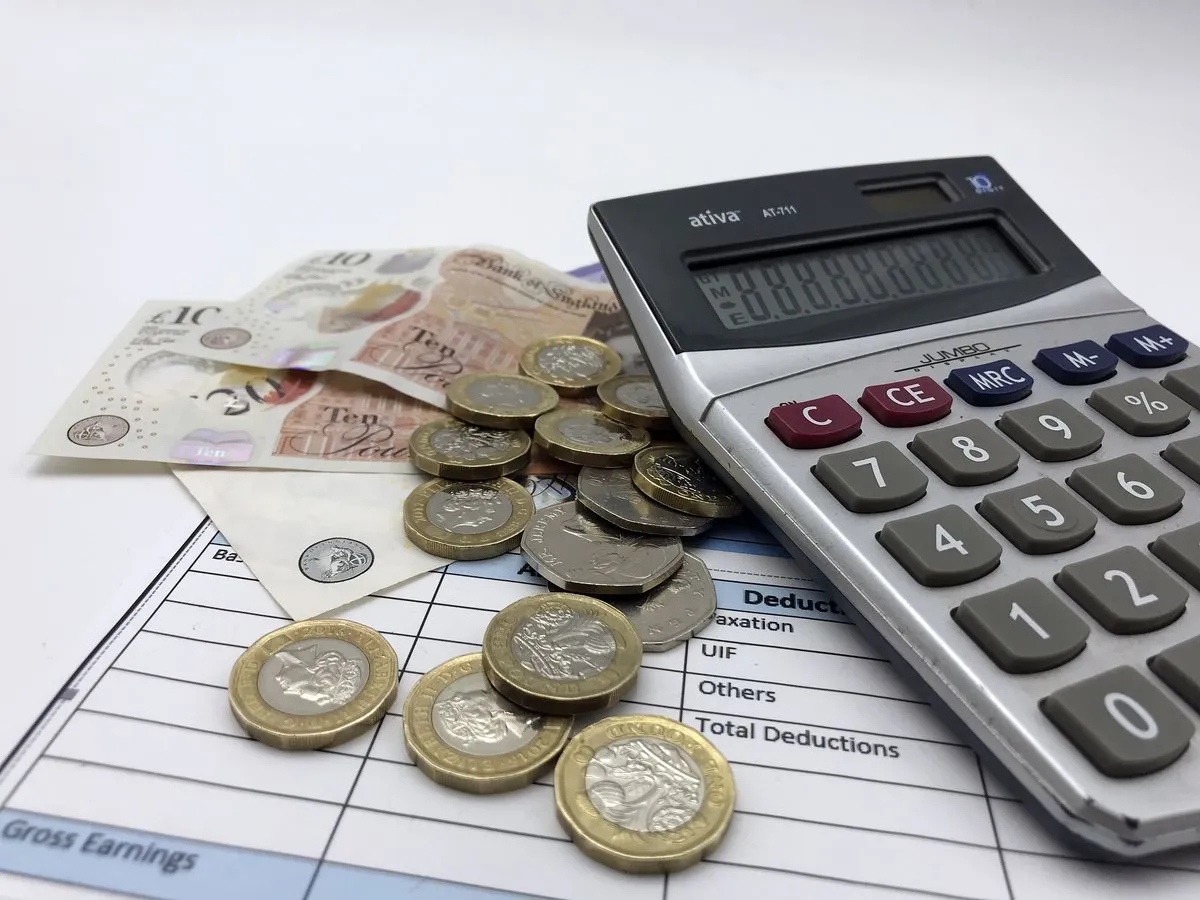
- Photo 1: „A number of £1 coins, 50p coins, £10 and £20 notes alongside a payslip and a calculator”, author: One Click Group UK, licence CC BY 2.0; cropped or resized.
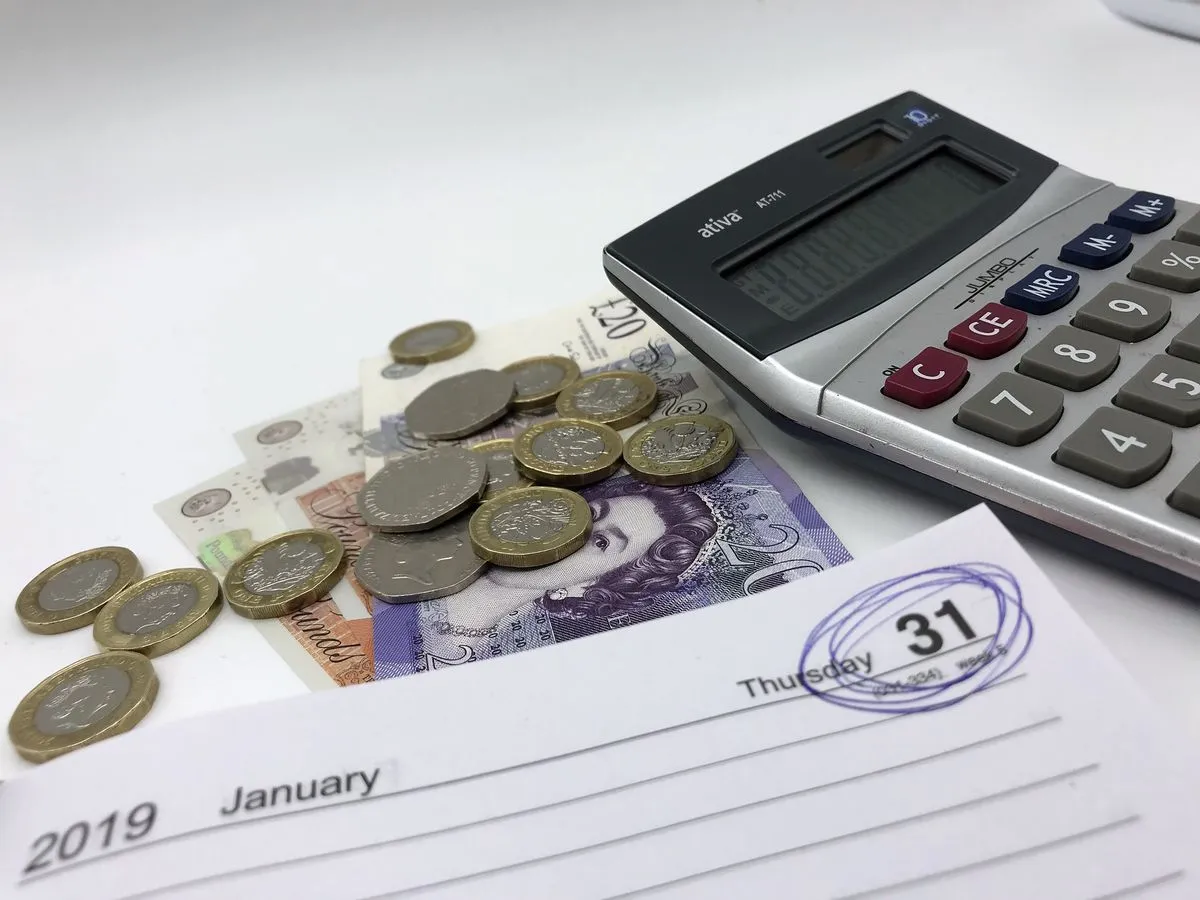
- Photo 2: „The 2019 self assessment deadline day, 31st January 2019 is circled next to some coins and a calculator”, author: GoSimpleTax, licence CC BY 2.0; cropped or resized.
Tags
Share with friends