AMD Radeon driver bug causes needless SSD writes: how to check your PC
Radeon users have noticed constant writes to their SSDs even when the PC is idle. AMD has acknowledged the driver bug and a fix is expected in Adrenalin 26.11.1.
Author: Thames Compass editorial teamPublished: 2 min read

Contents
Users of computers with AMD Radeon graphics cards are reporting unusual SSD activity in Windows. Data is written to the drive even when the computer is idle. According to the Polish tech site Antyweb, on 9 November 2026, the culprit is a process tied to the graphics driver.
What is happening
Users described writes of around 0.7–1 MB/s, and in one case as much as 5 MB/s. The source is the atieclxx.exe component, the client module of the AMD External Events Utility, which handles processes and events related to displaying images.
An AMD employee posting on Reddit as AMD_Vik linked the constant writes to the way this component works with Microsoft's PCIe filter driver. According to the report, AMD has reproduced the fault in-house and is working on a fix.
Why it matters
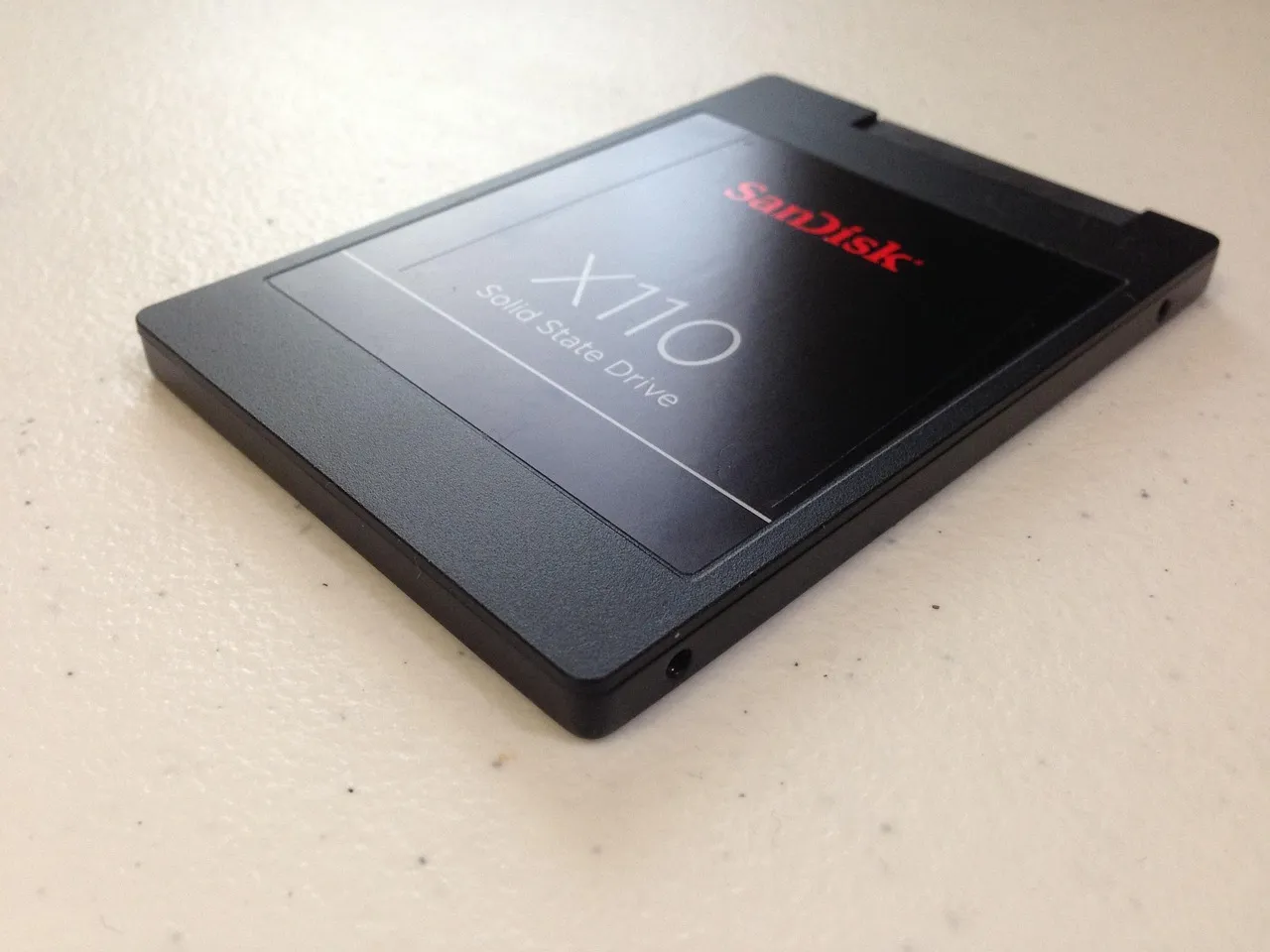
At 0.7 MB/s, around 60.5 GB of data is written per day, at 1.5 MB/s around 129.6 GB, and at 5 MB/s around 432 GB. NAND memory in SSDs wears out with each write. Manufacturers describe this endurance with the TBW rating, the declared amount of data that can be written to the drive. Antyweb notes that it is hard to say how much of that limit the driver has used up, but the bug could shorten the life of drives.
When a fix is due
The Adrenalin 26.10.2 package was released after the bug came to light, but it did not contain a fix. According to Antyweb, version 26.11.1 is meant to solve the problem, and the driver should be fixed before the end of November.
How to check your PC
- Press Windows + R and type "resmon".
- In the "Disk" tab, find the atieclxx.exe process.
- Watch the write column for a few minutes, ideally on an idle computer with nothing being downloaded.
You are affected if the activity is repeatable and noticeable. Advanced users can also check how the TBW value grows in an SSD management program.
Workarounds
Some users switch this process off entirely, but according to Antyweb that may break Adrenalin keyboard shortcuts. There are also reports that turning off the Resizable BAR feature helps, though it did not solve the problem for everyone. In the author's view, the safest option is to wait for the new driver version.
What this means for you
The problem affects anyone using a Windows computer with a Radeon card, including in the UK. If you use such hardware, it is worth checking the writes in Resource Monitor and installing the new driver as soon as AMD publishes it. If you do not have a Radeon card, this does not concern you.
Sources
This article was prepared automatically by AI from the listed sources and published without prior editorial review. Spotted a mistake? Use the “Report an error in this article” button.
Photos
- Cover: „gaming computer, gaming pc, gaming set up, cyber sport, esports”, author: Timrael, licence Pixabay Content License; cropped or resized.
- Photo 1: „data storage, ssd, hard drive, memory, sandisk”, author: pagefact, licence Pixabay Content License; cropped or resized.
Tags
Share with friends